



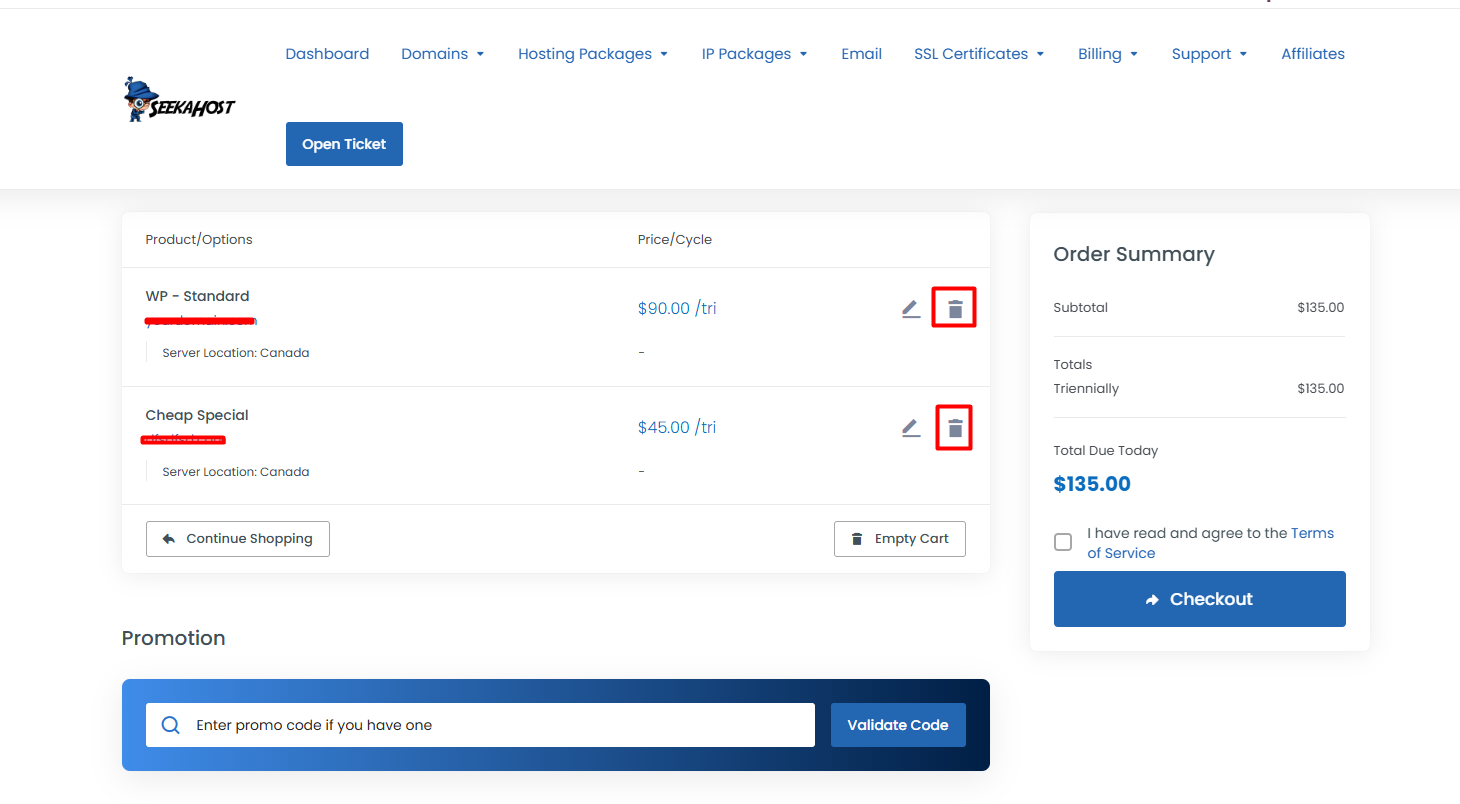
If you want to remove/delete the product from the cart, then you can do this before making the payment.
Please refer to the below image
Or if you want to remove all the selected product and start as a new, you can click the Empty Cart button.
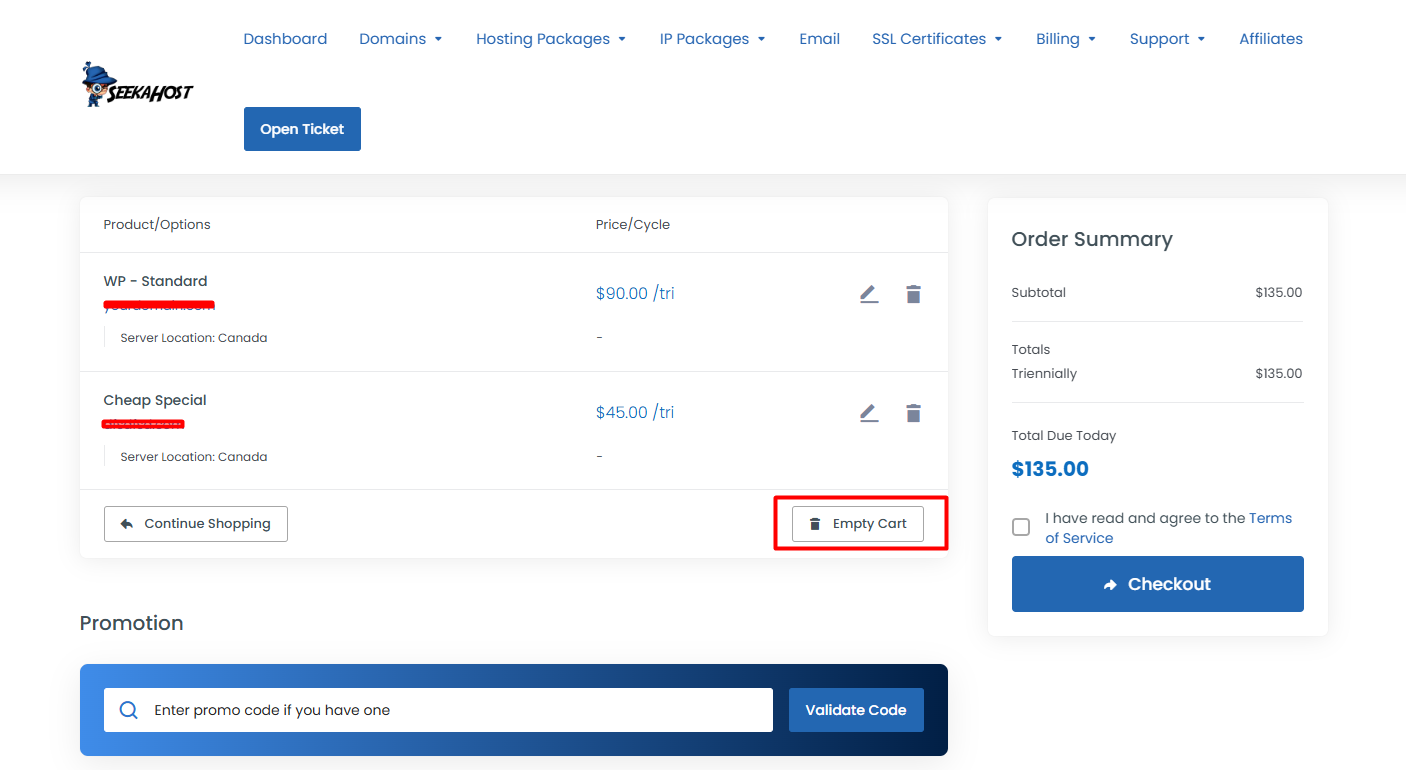
If you want to remove/delete the product from the cart, then you can do this before making the payment.
Please refer to the below image
Or if you want to remove all the selected product and start as a new, you can click the Empty Cart button.
For upgrading the package you need to raise a ticket regrading “upgrade the package” by...
Login to client area. Then select the services or products that you want to cancel. Goto client...
Taking full backup of the site is more important and easy. Because if you lose your content or...
Creating sub-accounts in SeekaHost is easy to do. Using this sub-accounts you can receive all the...
To check your invoice and payment history follow the below steps, Login to client area. At...


