
 SeekaHost.com Client Area
  SeekaHost.app
  SeekaHost.co.uk
  SeekaHost.in
Redesign WordPress Website Without Losing Data

By Frank Carson
Table of Contents
Want to redesign WordPress website but don’t know how and where to start? This article is for you. We will share the clear path when and why to redesign your website.
Redesigning a website will be helpful if the current website has a low SEO ranking, engagement, and performance; however, a successful redesign needs proper planning and execution to achieve meaningful results. Simply changing the visual of your website is not enough, and it has to provide planning according to the business objectives.
Why You Should Redesign WordPress Website?
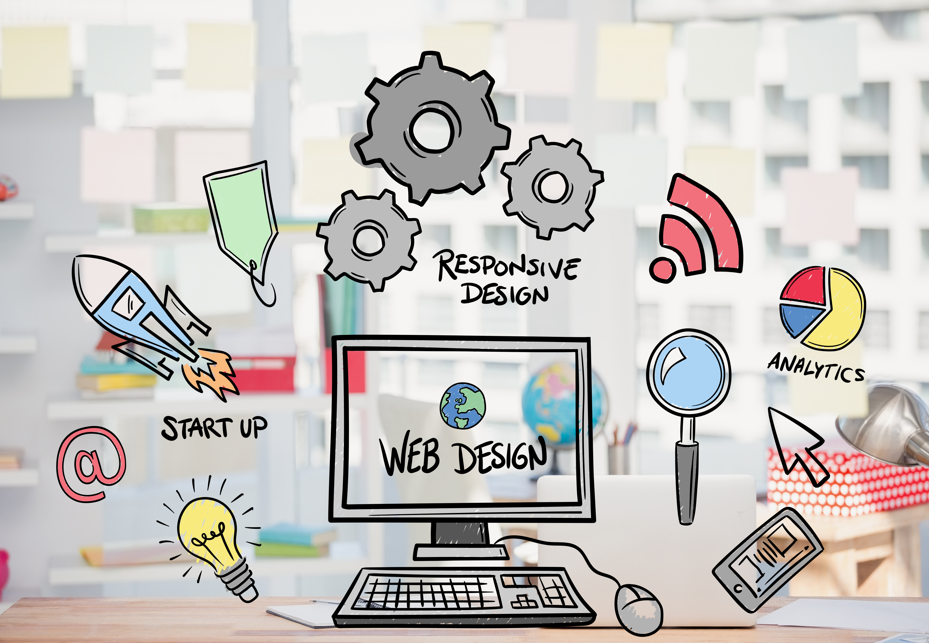
Redesigning your website is not just about focusing on website appearance; it is about improving the performance, business results and more than that, let see the key reason
1. Improve SEO Ranking
If the website has a low SEO ranking, by redesigning your index, your website by improving the on page seo, image optimization, site structure and mobile responsiveness.
2. Increase Website User Experience
With an outdated design, if your website even has proper information without the proper home page design, chances of user can skip your website. A Website User Experience can be increased by a better reading section, clear layouts, and easier navigation
3. Boost Website Performance
Proper website optimization will eliminate the slow loading of your website, and it will improve both the user and SEO experience
4. Aligning with Business Goals
Your Website should support and align with your Business objectives, a redesign will increase your sales or leads, clear messaging and conversion layout
5. Modern Branding
If you have design your website long back ago or If you have added new services, a redesign is must need according to the business needs.
6. Adds New Functionality
Your website has to update according to latest trends, by adding necessary ai chatbots for repeated business introduction about your services.
When to Redesign WordPress Website:
- Your Website looks outdated
- Slow website performance
- Seo Ranking are dropping
- Your Business has Evolved
- Low conversion rates
Before Redesigning, complete the above checklist
3 Important Steps Before Starting to Redesign WordPress Website:
1. Website Performance
Check your website’s performance by analyzing it speed and performance. A slow-loading website has a negative impact on your user experiences and Visitors might leave your website and look at other websites You can check your website’s speed using online tools like Google PageSpeed Insights, which provides reports on performance and best practices to improve. You can check this by tool like page speed results.
2. Backup Your Current Website
Always take the backup of your current website before making any changes on the website, incase if anything goes wrong. you can take the backup in various methods. you can refer on how to take the backup of your website
3. Analyses Your Redesign Structure
Whether your trying to rebuild your website by your own, any applications or any professional website designer and make sure to analyze your competitor and plan accordingly.
How to Redesign WordPress Website
1. Define Clear Goals
What is working and what is not working
What is your main goal?
who is your main audience?
Write this to analyze and then plan accordingly.
2. Staging Website.
It is better to redesign your website by creating staging your website by creating the sub-domain stage. Website name, once the everything is good and satisfied, you can push the content to live
You can achieve the staging by plugins or softaculous staging website.
3. Improve User Experience
Your Audience is main target for your website, make sure you redesign your website by improving the user experience while keeping the below points in mind
- Clear Navigation section
- Easy contact options
- Strong Headlines and Call to action
- Easy to ready content
4. Adding New Content.
Decide whether to keep the current theme or new theme to be installed Add the new content, redesign your website by adjusting the styles, visuals, colors and then finalize the visual. add the plugins based upon on the new design functionality
5. Test the Website.
Check the New design, considering yourself as the visitor and check all the things like overall experience buttons, interactions, page speed and contact form
6. Live the Content to Production Site
Once your satisfied with new design and tested, since you using the staging website push your Website to production environment.
Steps to Check After Redesign Your Website
- Check every section of your website is working, Buttons, homepage, other pages, to ensure everything is working as expected else have to rework on things which needs to be correct. To check it effective use the below points
- Use the Tool like A/B testing to compare your old and current web design.
- Regenerate the Sitemaps for your website
- Keep your plugins/themes up to date.
- Setup your website on monitoring tool to check how your new website is performing.
Redesigning the website is not about just changing the visual appearance, it involves identifying areas where the site is lacking and updating with proper planning.
With above steps, I hope you got clear picture on how to redesign your website.