
 SeekaHost.com Client Area
  SeekaHost.app
  SeekaHost.co.uk
  SeekaHost.in
Webflow vs WordPress: Which is Better For Your Website

By Frank Carson
Table of Contents
Are you confused about deciding between Webflow vs WordPress? Then you are not alone. These platforms are already popular. If you already know about those platforms, you can pick them easily. If you don’t know about this difference, we will explain it in detail below.
Before choosing the platforms, understand your needs, goals, and easier platform you can build, and you can continue using in the long run.
Let’s see details comparison of Webflow vs WordPress.
What is the Difference Between Webflow vs WordPress?
Webflow is a no-code platform, a Visual Website Builder that lets you design it all in one exclusive place with the functionality of coding. So you can create a professional website quickly with or without code.
WordPress is an open-source management system that provides greater flexibility to manage and customize your website.
Overview Of Webflow:
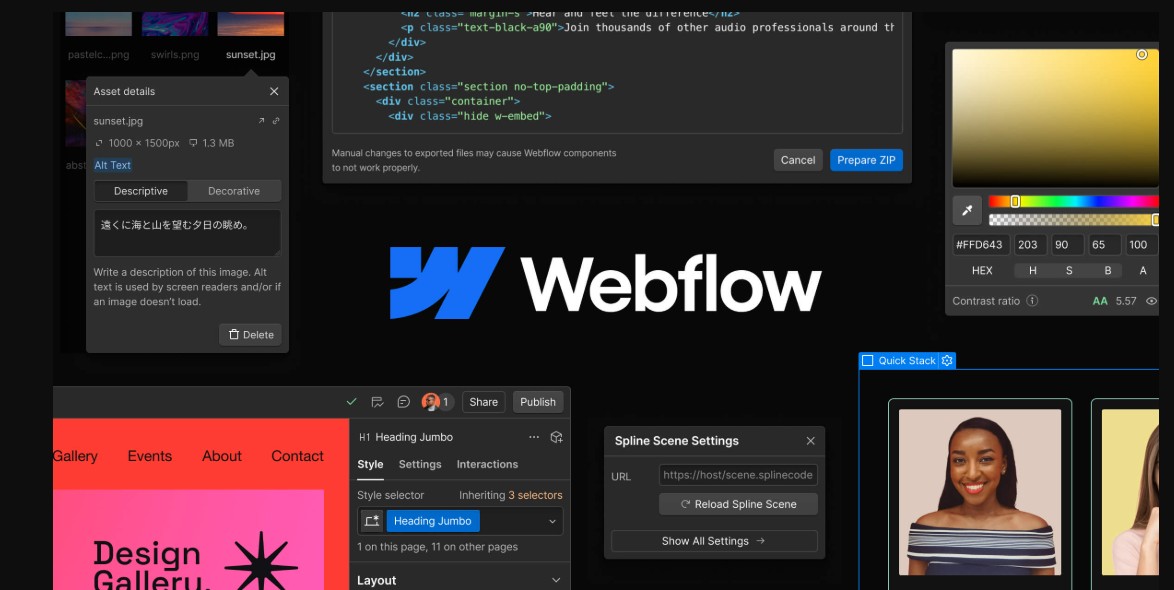
Webflow is a easy visual drag and drop website builder to create your website.
It is a hosting platform that provides the option to build, design, and launch websites without the need of code. It has a combination of functionality like design tools, DeV tools and hosting services into one platform.
Overview of WordPress
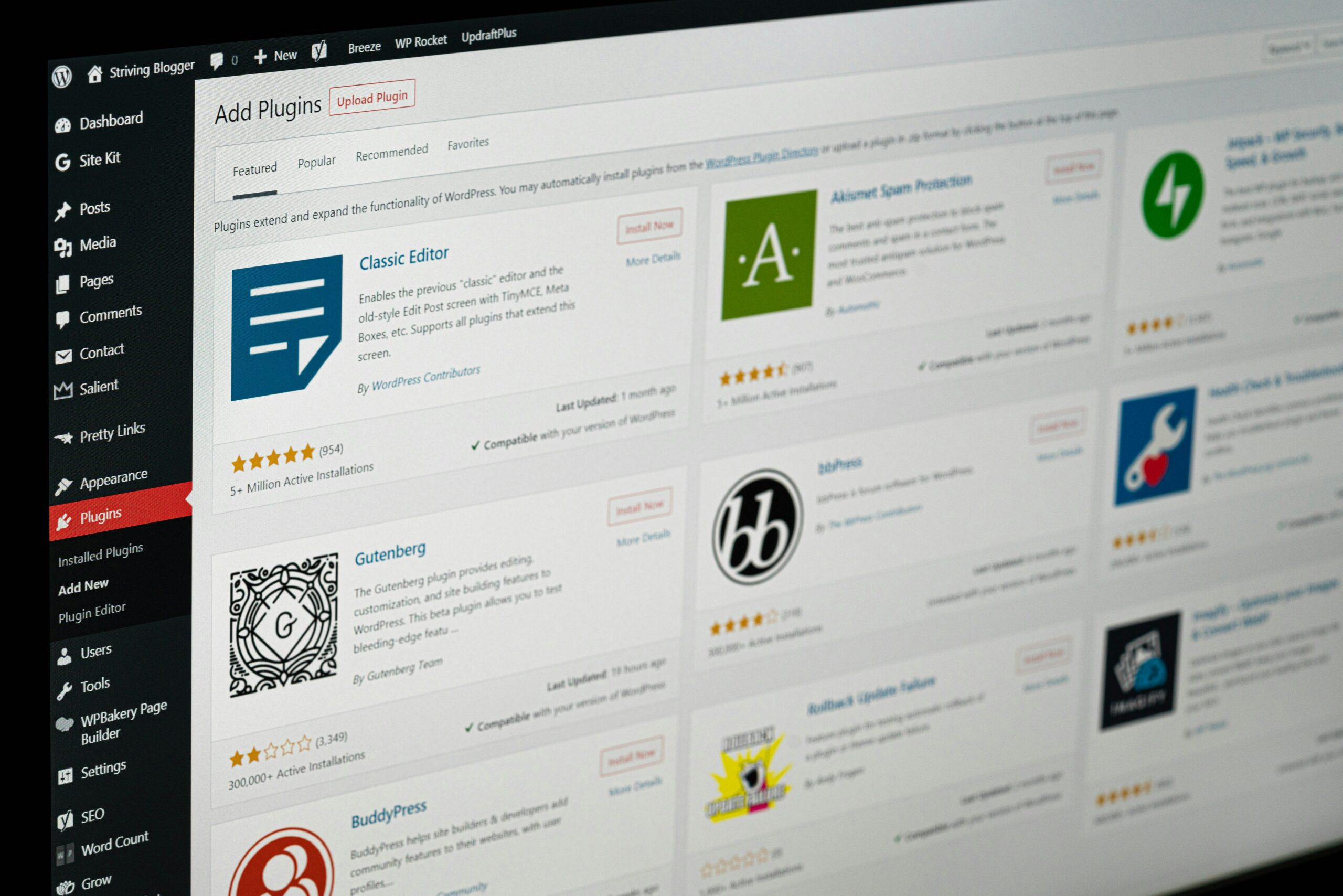
WordPress is Content management system (CMS) which is most used platform, it has evolved into powerful ecosystem that powers the internet over the 40%
It is open source and high customizable and thousands of themes and plugins, users can build websites, ecommerce store and many more.
You can understand more about WordPress in our article What is WordPress and how it helps.
Webflow vs WordPress Comparison:
Ease of Use:
Webflow:
Webflow provides a visual, drag and drop interface that provides you design tools like Figma or Adobe XD. You can design directly and see the current changes. It has learning options especially for beginners who don’t have work with concepts like CSS and layout structures.
WordPress:
WordPress is beginner-friendly, which can easily start with plenty of plugins and themes easily build your website but over time it can become complex to maintain many plugins
Verdict:
Beginners: WordPress (simpler start)
Designers: Webflow (more visual control)
Customization & Flexibility
Webflow:
It gives the option to design control without the need of code, but it is only to limited to it’s built in features, and additional functionality may require a workaround
WordPress:
It has plenty of flexible options of plugins and themes, you can easily customize from blogs to e-commerce websites
Verdict:
Maximum flexibility: WordPress
Design precision: Webflow
Design Capabilities
Webflow:
This is where Webflow shines. It allows pixel-perfect design with full control over animations, interactions, and responsiveness.
WordPress:
Design requires multiple plugins and themes to workaround; sometimes, you need code functionality to achieve it.
Verdict:
Advanced design: Webflow
Template-based design: WordPress
SEO Setting:
Webflow:
By default, it will come with Seo build in options for managing the SEO setting
WordPress:
SEO is powerful but relies on plugins like Yoast SEO or Rank Math. With proper setup, it can outperform most platforms.
With WordPress plugins like Yoast SEO or Rank math with the right setting can easily have the best SEO performance of your website
Verdict:
Built-in simplicity: Webflow
Advanced SEO control: WordPress
eCommerce Capabilities
Webflow:
Webflow has built-in ecommerce features, but fewer compared to WordPress
WordPress:
With WordPress, it has powerful e-commerce features, and you can easily customize your website
Verdict:
Simple stores: Webflow
Complex stores: WordPress
Support
Webflow:
Subscription-based pricing that includes hosting. Costs can increase as your site grows. The pricing will increase based on how your website grows.
WordPress:
Free core software and application, but need hosting plugins and themes and price will vary based on the setup
Maintenance
Webflow:
Webflow has low maintenance, and security updates are handled by automatically.
WordPress:
WordPress requires, updates of plugins, themes and core files ensure compatibility with the applications you are using. Security and backups are also your own responsibility.
Verdict:
Low maintenance: Webflow
More control, more responsibility: WordPress
Both Webflow and WordPress are the most popular and powerful tools, and each serve it’s own purpose. Webflow is good for designers and businesses looking for a visual experiences with low maintenance.
WordPress will continue to have all the functionalities for flexibility and scalability. Choosing between it is based upon your needs and control how you want to build the website
If design and simplicity is your priority go with Webflow, flexibilities and long term scalability is your priority and then you can go with the WordPress.