
 SeekaHost.com Client Area
  SeekaHost.app
  SeekaHost.co.uk
  SeekaHost.in
10+ Ways To Fix “Your Connection is Not Private” Error

By Aravind
Table of Contents
Sometimes, when you try to reach a website you can come across this kind of error i.e, ‘Your Connection is not private’ visible in the Google Chrome or any web browser. This error is a good sign in other words, it can also say as precaution. The reason behind this error is very simple. As when you try to load a website, the Google browser prevents you to enter in to the harmful site.
Another thing is that, this error may arise if there is any issue with the SSL certificate of your website. In this article, we have explained you how to fix your connection is not private error in Google Chrome.
Before moving to the steps that are to be followed from preventing this error, at first let’s know what is meant by SSL Certificate and its purpose.
SSL Certificate
SSL is abbreviated as ‘Secure Socket Layer’. The SSL is more necessary for every websites, as it is the only way to identify the website is secured or not. SSL helps the website in different ways. It provides you an encrypted channel by which the transmission of data is happened. It prevents the attackers to steal your data. Mainly, if you are making transactions via online, then SSL certificate is mandatory.
As per the study, Google suggests that the websites having SSL certificates can be ability rank and crawl by the search engine.
Firstly, let’s dive into the reason for the issues when the website runs with no SSL.
- If your SSL certificate is expired, then you may face this error. The user has to check the validity of the SSL certificate as it doesn’t be active forever. You need to renew for the active SSL certificate. So, this may be the source for the occurrence of the error.
- Also, sometimes the SSL will not be applicable for the sub-domains. This error may occur when you try to reach the sub-domains.
- Check and be clear whether you have purchased the SSL certificate from a trusted or valid organization. If not, you may fall under these circumstances.
Now, let’s see the different ways to fix the error in Google Chrome.
Try reloading the pages
When trying to access a site, if you face this error, then you have to do is reloading the current page. Sometimes, the request to the server may not be reached. You can tap on the reload option for reloading or simply you can use the shortcut Ctrl+F5.
Avoid using Public Wi-Fi
If you are using the public wi-fi, then the chances of getting error is high. Of course, as the public wi-fi do not have any security, it can be easily accessed by the stealers and hackers. Unfortunately, your data may get chances to get steal.

Clearing Browser Cache
At this time, if you have tried the above methods and it does not goes well, then you can try clearing your browser cache, cookies and history as well. You can clear the browser cache in a simple steps.
Guest Window
If you have received this error, you can try opening the sites in Guest Window. There are many advantages in Guest Window, it doesn’t save any cache, history etc., Also, you can also use Incognito Tabs to check the opening of your sites.
Tapping on ‘Proceed’
If you have tried all the possible ways & still you don’t find the solution, you can open the site by manually. Simply, click on ‘Advanced’ -> ‘Proceed’ to abcd.com. which will appear at the bottom.
Thus, these are the possible ways to fix ‘Your connection is not private’ error in Google Chrome.
Anti-Virus Software
This is the important area, where the user has to check it. If the anti-virus software is ON, then it has the ability to scan the HTTPS. To stop this feature or to disable this activity, the user has to ‘turn-off’ the feature in order to prevent scanning of SSL certificates. If this method doesn’t works out for you, then you can try changing the anti-virus software and check it.
Computer’s Clock
This is the very common reason, in which the error occurs due to the change in computer’s clock. It happens when you have purchased the laptops and connected on Wi-fi for the maiden time. The device may not sync automatically in the first time. To make it sync, the user has to set the right time in the computer/laptop
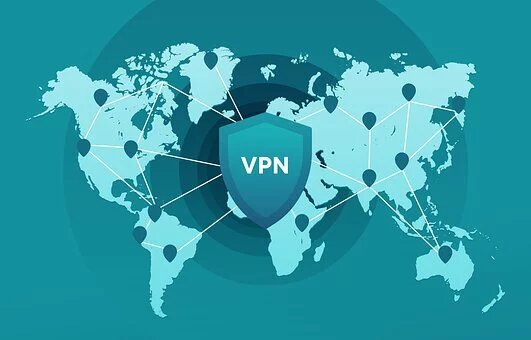
Virtual Private Network
Also, due to VPN the site may display this kind of errors. The VPN may have override the network settings or it may have blocked the SSL connections. Disable VPN temporarily and try loading the sites.
SHA-1 Algorithm
The SHA-1 is an algorithm which is commonly used by the SSL certificates. If this algorithm is weak and it is confirmed that will not be supported by any kind of browsers. If the website still using the old algorithm in a SSL certificate, this kind of error may occur.
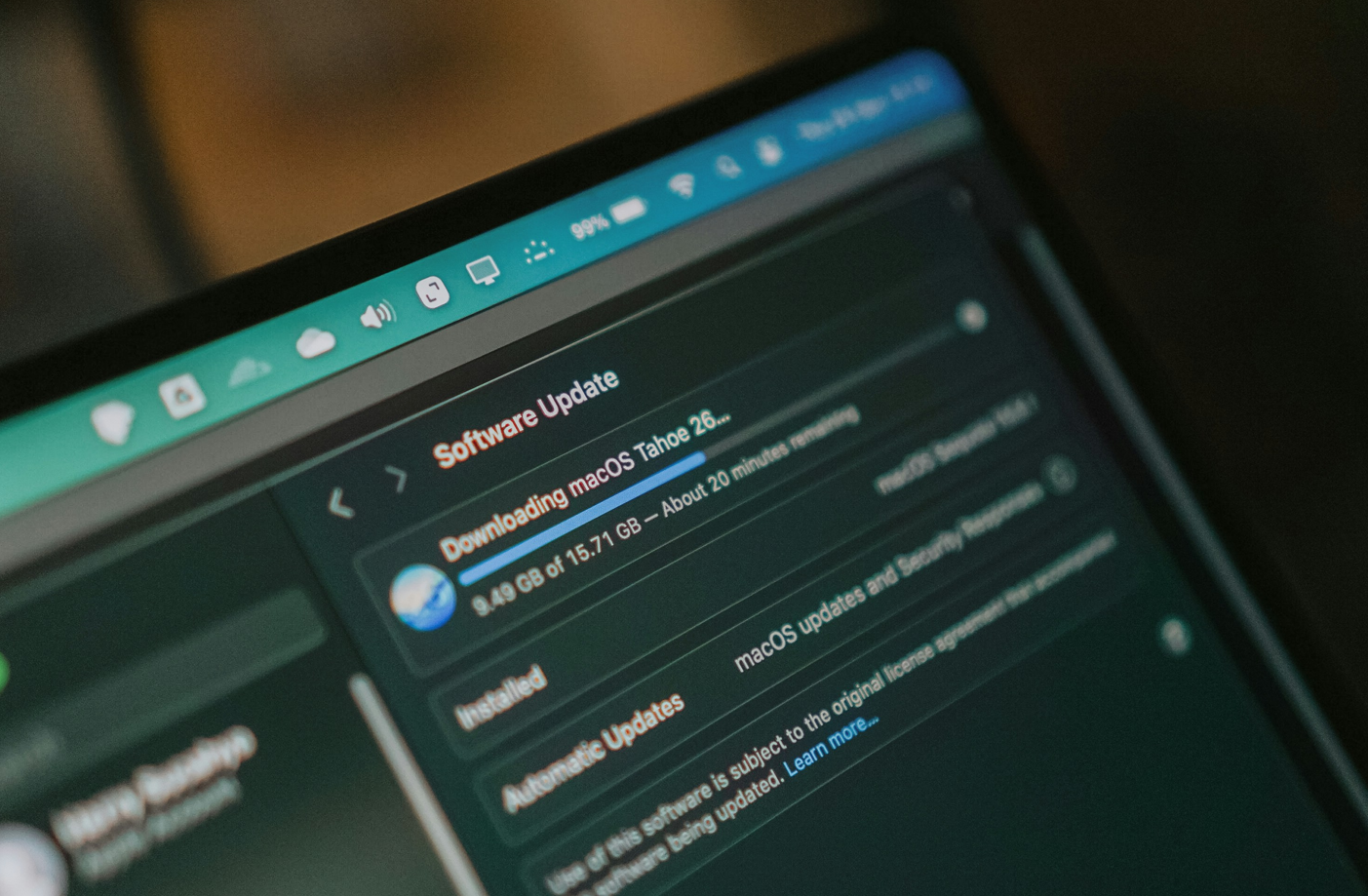
OS Update
Sometimes, the OS of the laptop/computer may fail to meet the requirements of the SSL certificates. In simple words, the outdated or old operating system may clash with the new technologies used in SSL. So, the Your Connection Is Not Private error may occur without any update of the OS.
Reboot your laptop/computer
When are trying to open the website and still the error occurs ‘Your Connection Is Not Private’, then you have to start rebooting your system. You have to keep this as a last choice to work out. If any of the above mentioned options doesn’t goes well, then you can use this option.
Common Website Errors:
1. Handle 404 ‘Not Found’ Errors
2. Fix the There Has Been a Critical Error on Your Website
3. Site Experiencing Technical Difficulties
4. Solve WSOD Error In WordPress
5. Solve Connection Timed Out Error
[Tweet “How To Fix Your Connection Is Not Private Error In Google Chrome?”]
If you are a registered user in SeekaHost and have any queries to be clarified or issues to be sorted, you can raise a ticket through client area dashboard or email to support@seekahost.com. For immediate interaction or guidelines, contact our support team available in LiveChat at the right bottom corner of the website.